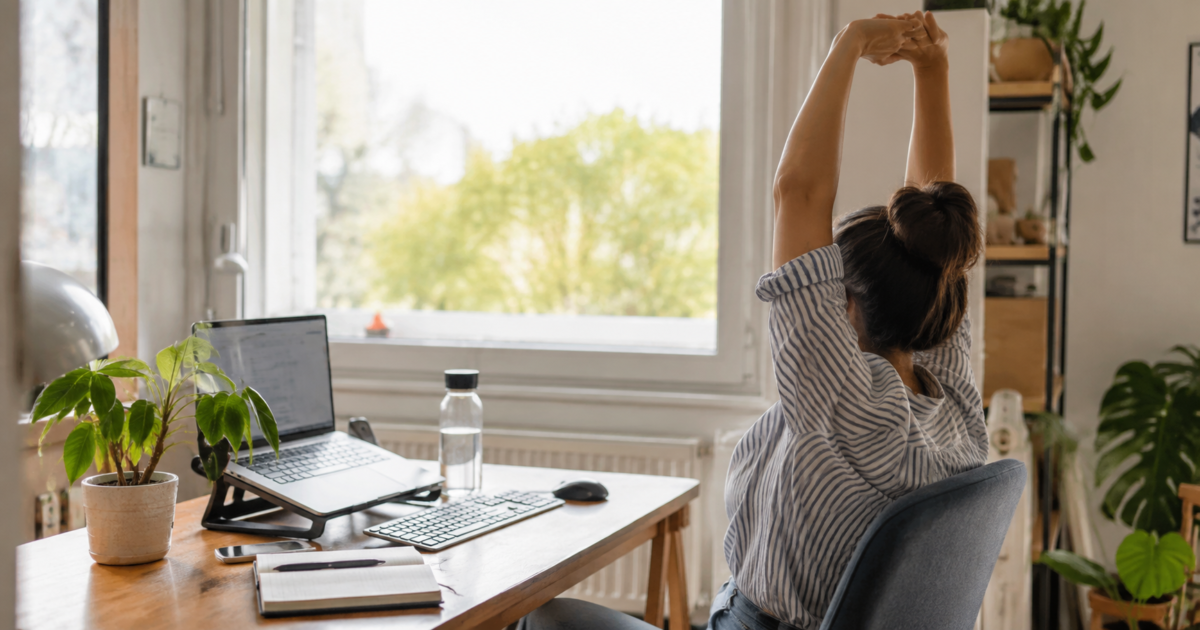
Working from home can save you hours of commuting, but it can also make it surprisingly easy to spend an entire day barely moving.
Your morning walk to the office disappears. Lunch might happen in front of the laptop. Meetings happen from the same chair. Before you know it, you have spent most of eight hours looking at a screen, only getting up to make coffee or go to the bathroom.
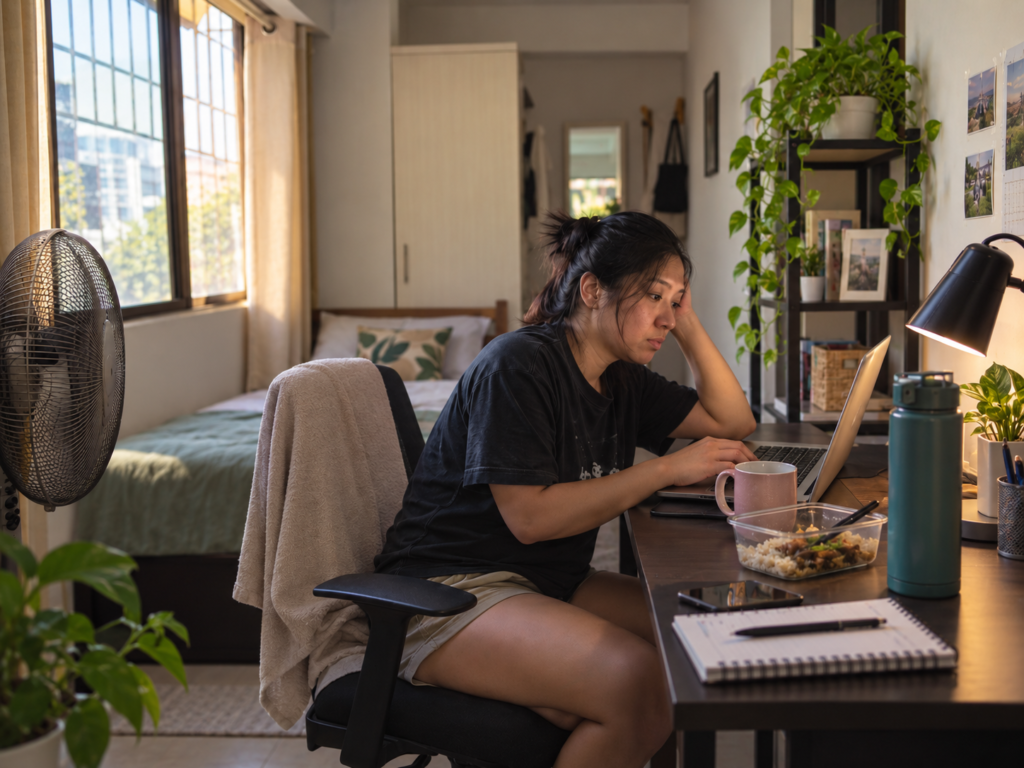
The World Health Organization has warned that poorly managed remote work can contribute to prolonged sitting, musculoskeletal problems, eye strain, social isolation and burnout.
You do not need to completely overhaul your routine or build a home gym to make working from home healthier. A few small habits throughout the day can already help.
1. Get out of your chair regularly
The workout you do after work is valuable, but movement throughout the day still matters.
The WHO recommends limiting sedentary time, while adults should generally aim for at least 150 minutes of moderate-intensity physical activity each week.
During work, make movement part of things you already do. Walk around while taking a phone call, stand while reading something, refill your water or take a short walk between meetings.
Even short breaks can help. The US National Institute for Occupational Safety and Health recommends building regular breaks into computer-based work and changing positions throughout the day to reduce discomfort associated with prolonged sitting.
2. Fix your setup before buying an expensive chair
You do not necessarily need a fancy ergonomic chair to make your workspace better.
Start with where your body is.
Your feet should be supported, your back should have support and your screen should ideally sit around an arm’s length away. The top of the display should generally be at or slightly below eye level.
If your laptop sits too low, even a sturdy box or stack of books can help raise it. A separate keyboard and mouse can also make it easier to position the screen properly.
The CDC’s work-from-home guidance also recommends avoiding awkward postures and adjusting your workstation rather than staying hunched over a laptop for hours.
The bigger problem is often not the chair itself but staying in the same position all day.
3. Give your eyes a break from the screen
Working from home can mean jumping from a laptop during work to a phone during breaks, then a television after logging off.
That means your eyes may never really get a break.
One commonly recommended habit is the 20-20-20 rule: every 20 minutes, look at something around 20 feet away for about 20 seconds.
You can also reduce glare, adjust screen brightness and increase text size instead of leaning closer to the monitor.
The goal is not to eliminate screens from your workday. It is simply to give your eyes opportunities to shift focus and rest.
4. Schedule exercise like you schedule meetings
Waiting until you “have time” to exercise can mean never finding the time at all.
You do not have to spend two hours at a gym. Walking, cycling, dancing, sports and home workouts can all count toward physical activity.
The WHO recommends that adults get at least 150 minutes of moderate physical activity per week, or at least 75 minutes of vigorous activity. Muscle-strengthening activities are also recommended on at least two days each week.
A 30-minute walk on five days of the week already gets you to the 150-minute target.
For someone working from home, putting that walk or workout on the calendar can make it less likely to disappear underneath another meeting or deadline.
5. Take an actual lunch break
The kitchen being a few steps away is convenient. Eating every meal beside your laptop is not necessarily the best use of that convenience.
Give yourself a real lunch break when possible.
Step away from your work area, eat without answering emails and use the remaining time to move around.
Keeping water nearby can also make staying hydrated easier. Planning meals and snacks ahead can help prevent the workday from turning into eight hours of repeatedly opening the refrigerator because it happens to be nearby.
The point is not to follow a perfect diet. It is to avoid letting your work routine decide how and when you eat.
6. Get outside during the day

IMAGE CREDIT: Getty Images
When your home is also your office, it is possible to finish an entire workday without stepping outdoors.
A short morning or lunchtime walk does two things at once: it gets you moving and exposes you to daylight.
Daytime light also helps regulate the body’s sleep-wake rhythm. The CDC recommends getting natural light earlier in the day as part of maintaining healthy sleep habits.
Most adults also need at least seven hours of sleep per night.
You do not need a long walk. Even going outside for a few minutes before work, during lunch or after a meeting can create a break from spending the entire day in the same room.
7. Give your workday an ending
One hidden downside of working from home is that there may be no obvious point when work stops.
There is no commute home. Your laptop is still sitting a few feet away. One last message can easily become another 30 minutes of work.
Create your own signal that the day is finished.
Shut the laptop, clear the desk, change clothes, take a short walk or move to another part of the house.
NIOSH recommends setting boundaries between work and home life, maintaining a routine and finding ways to detach from work at the end of the day.
Working from home can give you more control over your day. The challenge is actually using some of that flexibility for your health.
You do not have to do all seven perfectly. Start by standing up more often, stepping away from the screen and giving yourself a clear end to the workday. Small habits become much easier to keep when they fit into the routine you already have.